
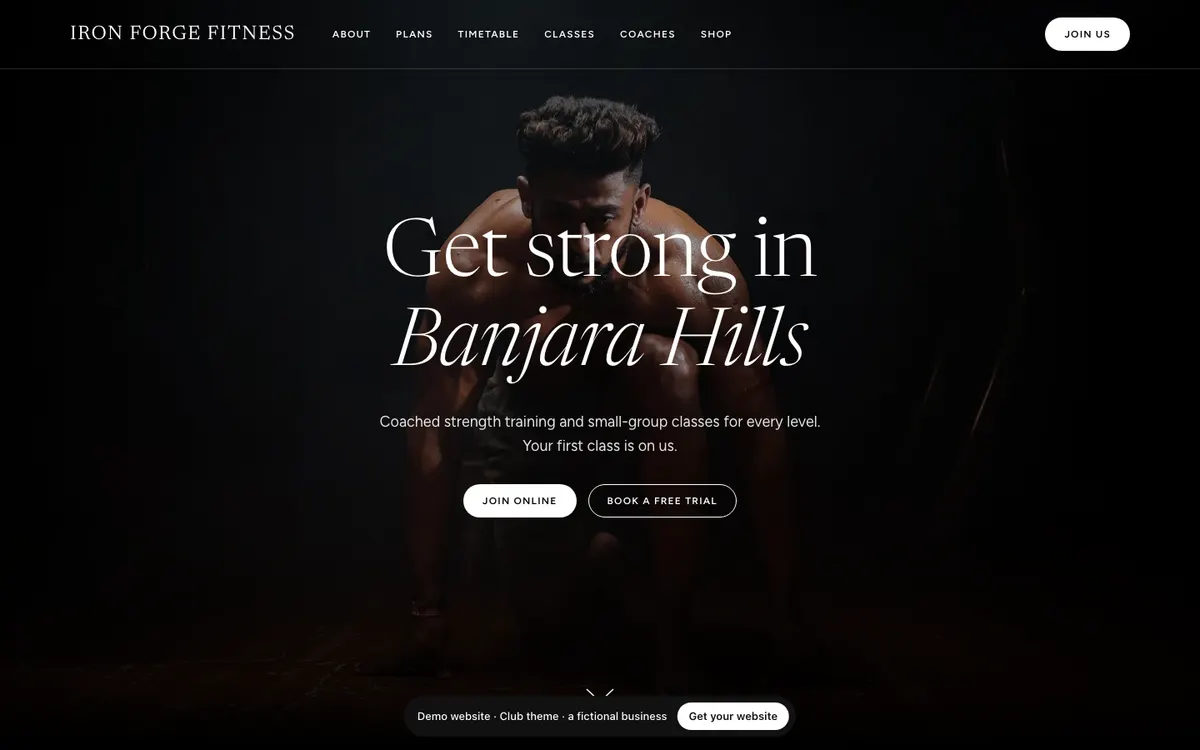
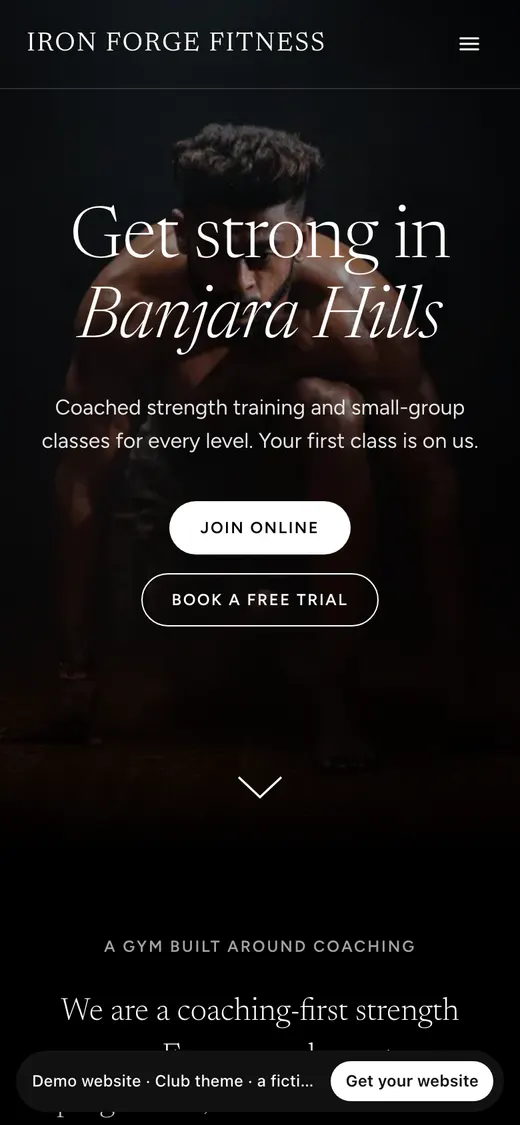
Club
Black and soft grey, a light editorial serif, rounded photo rails and pill buttons. Quiet brand accent.
Shown with Iron Forge Fitness, a fictional gym.
View live demo of the Club theme (opens in a new tab)Website builder · for gyms and studios
MyGymDesk's website builder makes your gym's website from what is already in your account. Answer five questions and AI writes the first draft around your real logo, plans, classes, trainers and branches. Pick one of eight themes, edit anything, and publish. From then on your prices, timetable, trainers, branches and stock update on the site by themselves, and every Join, Book and enquiry button leads straight into MyGymDesk.
7 days free, no card. Then ₹799/month + GST.
Prefer we build it for you? See our website development service.
Reviewed
Four steps, about 10 minutes. Nothing to install and nothing to host: the builder is the Website page in your MyGymDesk dashboard, on the web and in the business app.
Five quick ones: your kind of business, what makes you different, who your members are, the tone you want and your main goal. Your name, logo, colours, branches and contact details come from your account.
In up to 20 seconds: headline, about, amenities, FAQ, page titles and image descriptions, written around your real plans, classes and trainers.
See your own content in all eight themes, pick one, then change any words, photos or sections. Every change saves as a draft.
Your site goes live on yourgym.mygymdesk.app in under a minute, with a QR code, a Share on WhatsApp button and your link ready for your Instagram bio.
Everything your gym already keeps in MyGymDesk. The website reads it live, so it never shows last month's price or a class you have moved.
Straight into MyGymDesk, so a visitor can become a member without a call. Sign-up links carry the website as their source, so you can see which members the site brought in.
Eight premium themes, each with your brand colour checked for readable contrast. Every one is a real website you can open: a fictional business, so click around freely. Switch theme at any time and every word and photo stays.
Black and soft grey, a light editorial serif, rounded photo rails and pill buttons. Quiet brand accent.
Shown with Iron Forge Fitness, a fictional gym.
View live demo of the Club theme (opens in a new tab)

A deep night tinted by your colour, gradient headlines, tall story cards and glass plan passes.
Shown with Iron Forge Fitness, a fictional gym.
View live demo of the Pulse theme (opens in a new tab)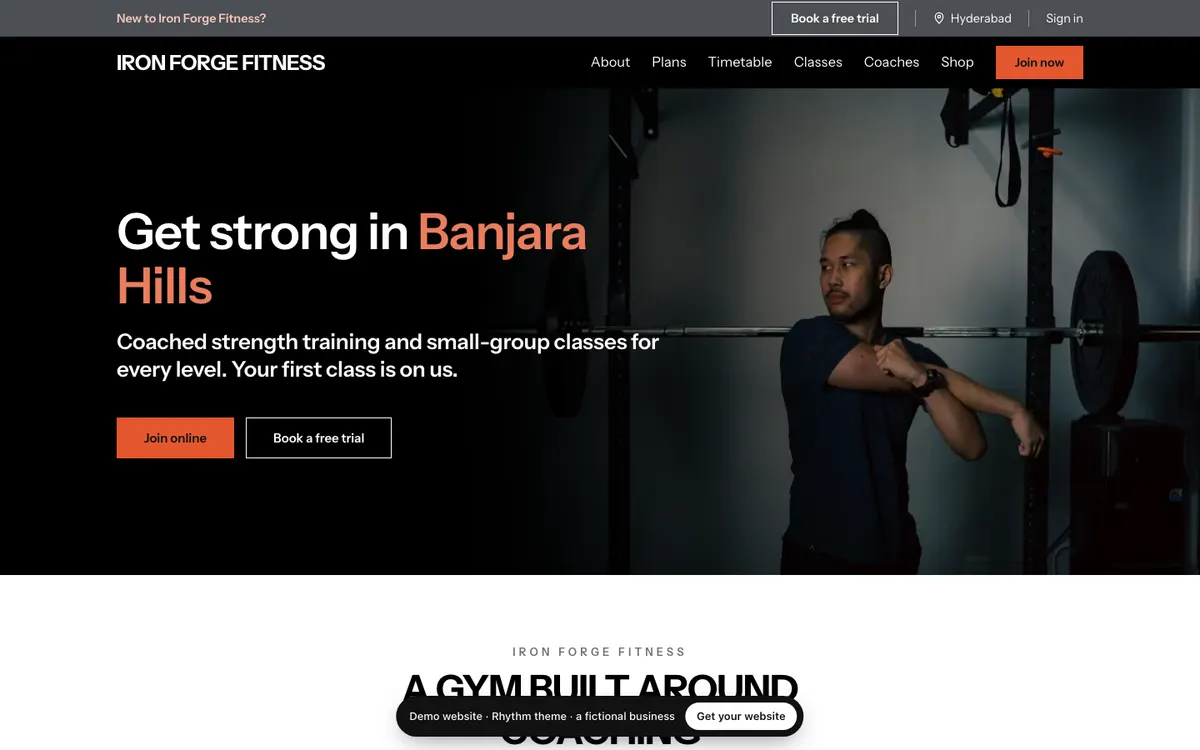
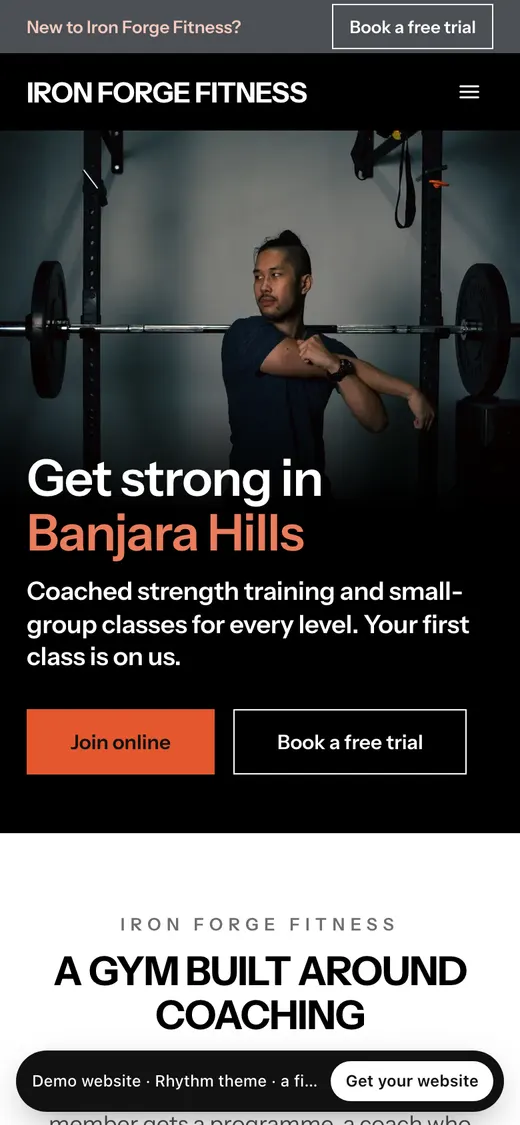
A black hero with your colour on the key words, white sections with thick rules, class cards to reserve.
Shown with Iron Forge Fitness, a fictional gym.
View live demo of the Rhythm theme (opens in a new tab)It is built for it. The SEO basics are done for you on every theme, so your time goes into the parts that win members: good photos, a clear offer and reviews on your Google Business Profile.
A free address from the first publish: yourgym.mygymdesk.app, chosen once during setup. Once you subscribe, connect your own domain (yourgym.com or yourgym.in): the builder shows the DNS records with copy buttons and guides for the common registrars, checks them for you, and switches on SSL automatically. Connecting your own domain is part of the add-on, at no extra cost.
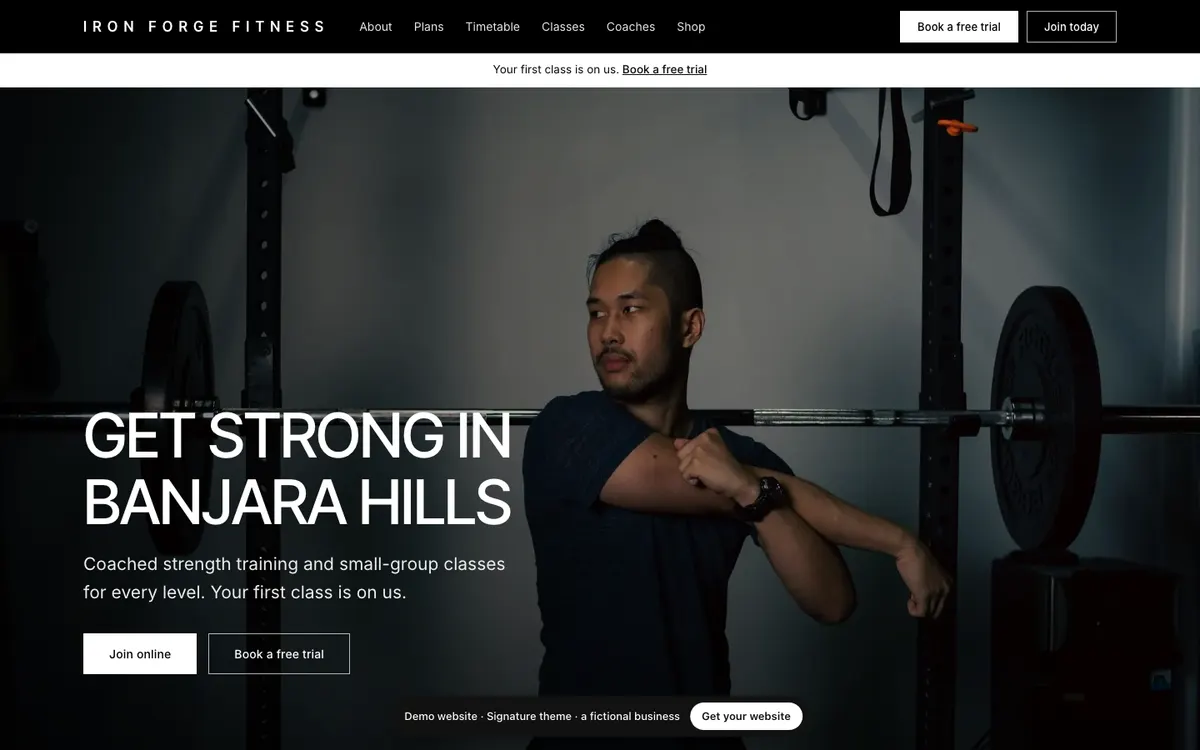
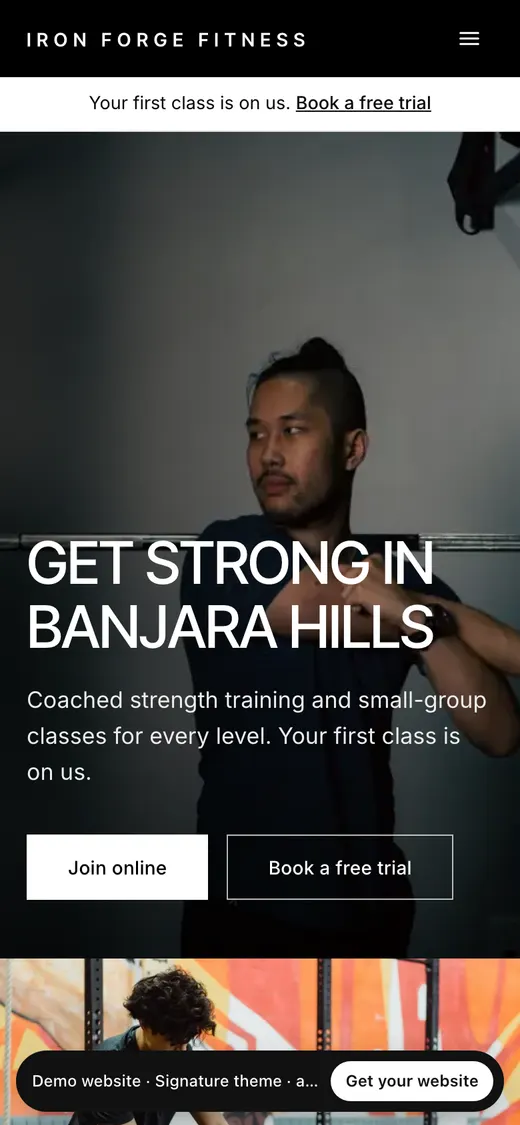
See one now: signature-demo.mygymdesk.app
Add it to Growth or Pro for ₹799/month + GST; it is included in Enterprise. Start with 7 days free, no card. Connecting your own domain, with SSL, is included once you subscribe.
Free trial
7 days
Every theme, the AI draft and publishing on your free address. No card.
Monthly
₹799
per month + GST
Yearly
₹7,990
per year + GST
3 years
₹19,990
for 3 years + GST
The free trial, step by step · MyGymDesk plans and prices · Compared with Wix, WordPress and an agency
Answer five questions, choose a theme and publish. Your plans and timetable keep it up to date.
7 days free, no card. Then ₹799/month + GST.