
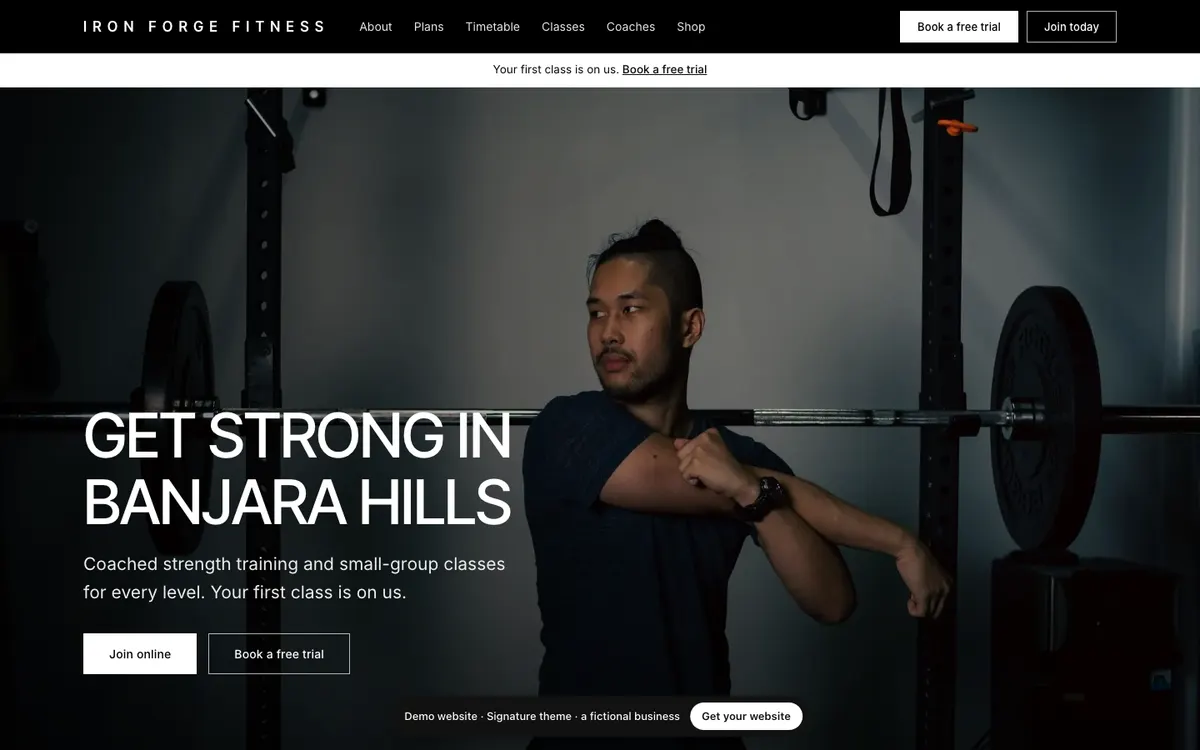
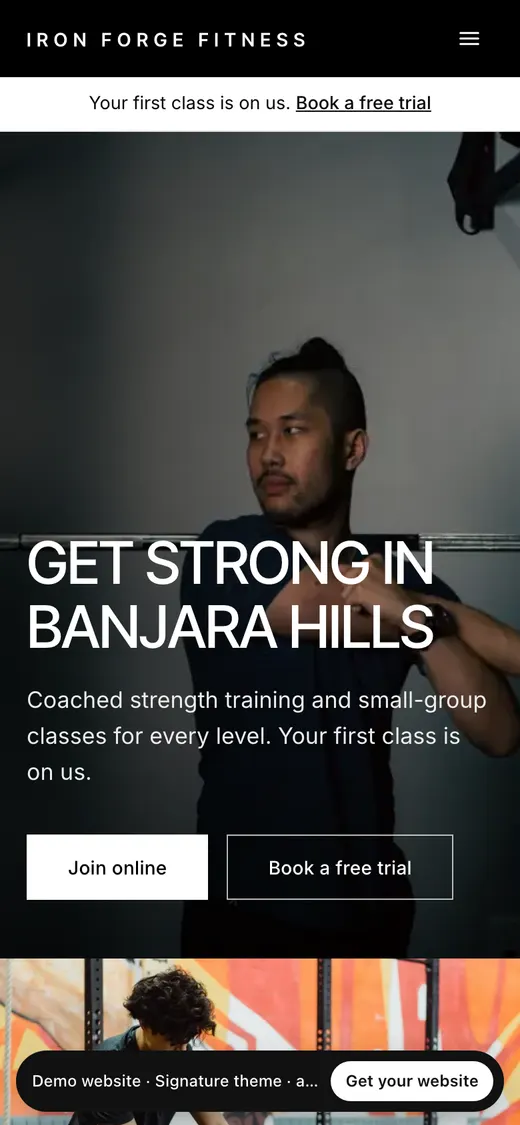
Signature
Cinematic photos, white panels, uppercase headlines. Monochrome with a brand accent.
Shown with Iron Forge Fitness, a fictional gym.
View live demo of the Signature theme (opens in a new tab)Website builder · 8 themes
The MyGymDesk website builder comes with 8 premium themes for gyms, fitness studios, yoga and Pilates studios. Each one below is a real website for a fictional business that you can open and click through. Whichever you choose, your site is filled from your MyGymDesk account, takes your brand colour, and can switch to any other theme without losing a word.
7 days free, no card. Every theme included.
Prefer we build it for you? See our website development service.
Reviewed
Each card shows the theme on a computer and a phone, in the product’s own words. Open the live demo to scroll the whole site: it is a fictional business, so Join and Book stay on the demo page.
Cinematic photos, white panels, uppercase headlines. Monochrome with a brand accent.
Shown with Iron Forge Fitness, a fictional gym.
View live demo of the Signature theme (opens in a new tab)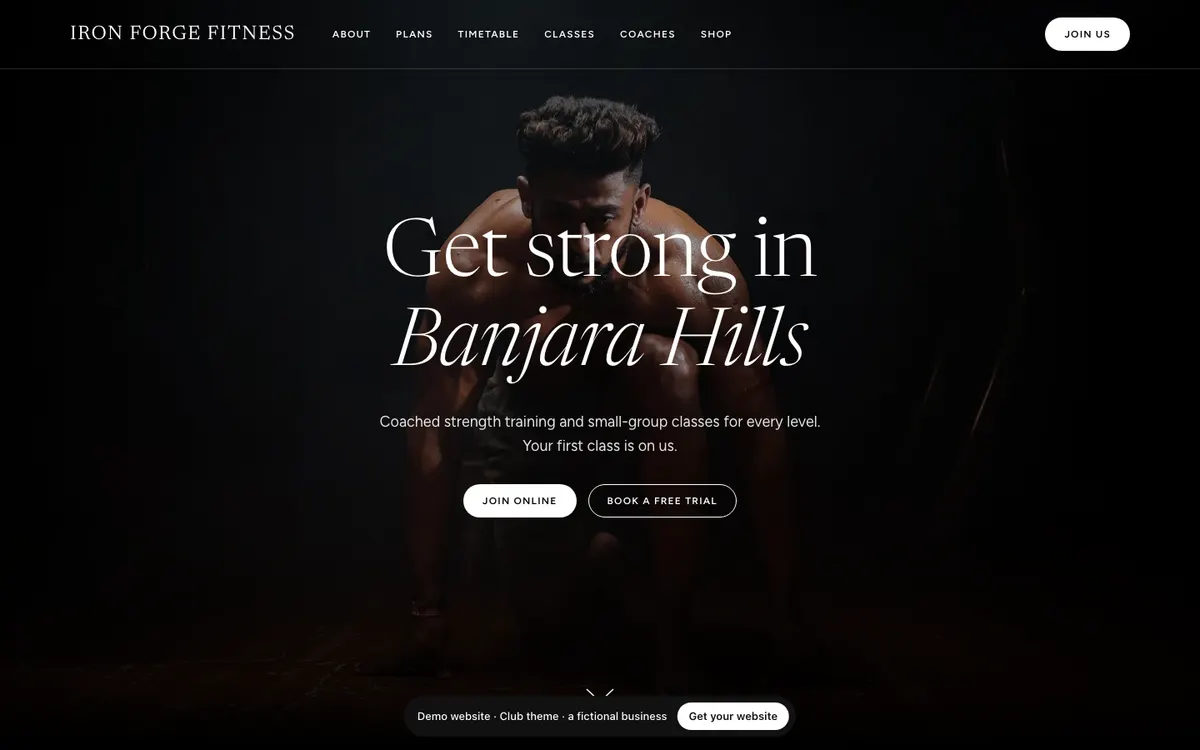
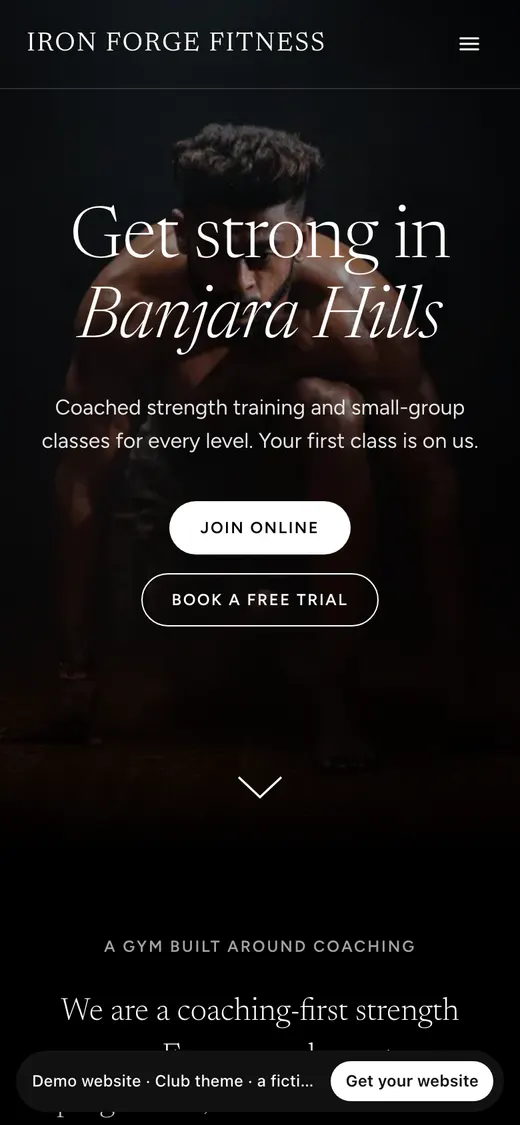
Black and soft grey, a light editorial serif, rounded photo rails and pill buttons. Quiet brand accent.
Shown with Iron Forge Fitness, a fictional gym.
View live demo of the Club theme (opens in a new tab)
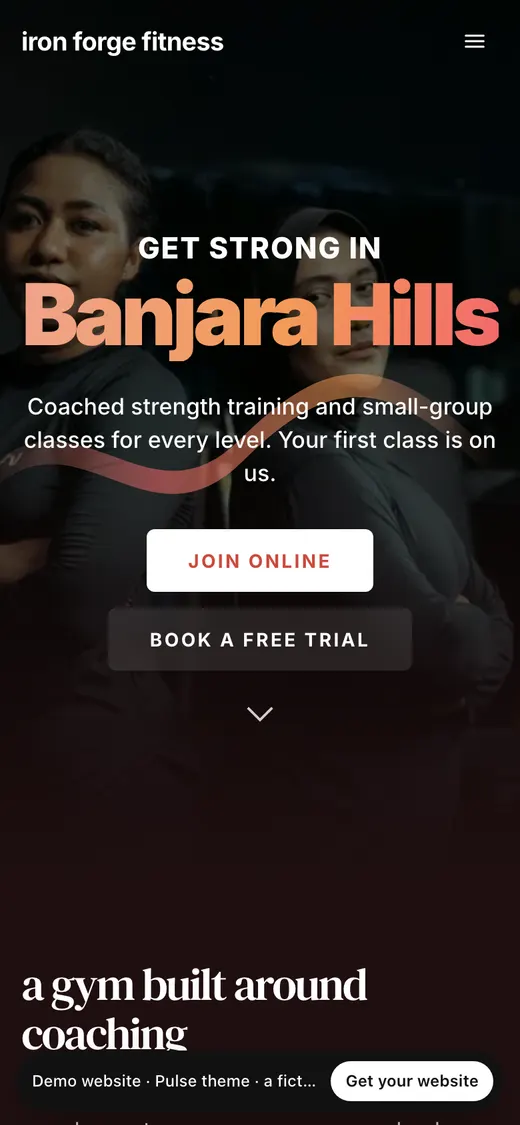
A deep night tinted by your colour, gradient headlines, tall story cards and glass plan passes.
Shown with Iron Forge Fitness, a fictional gym.
View live demo of the Pulse theme (opens in a new tab)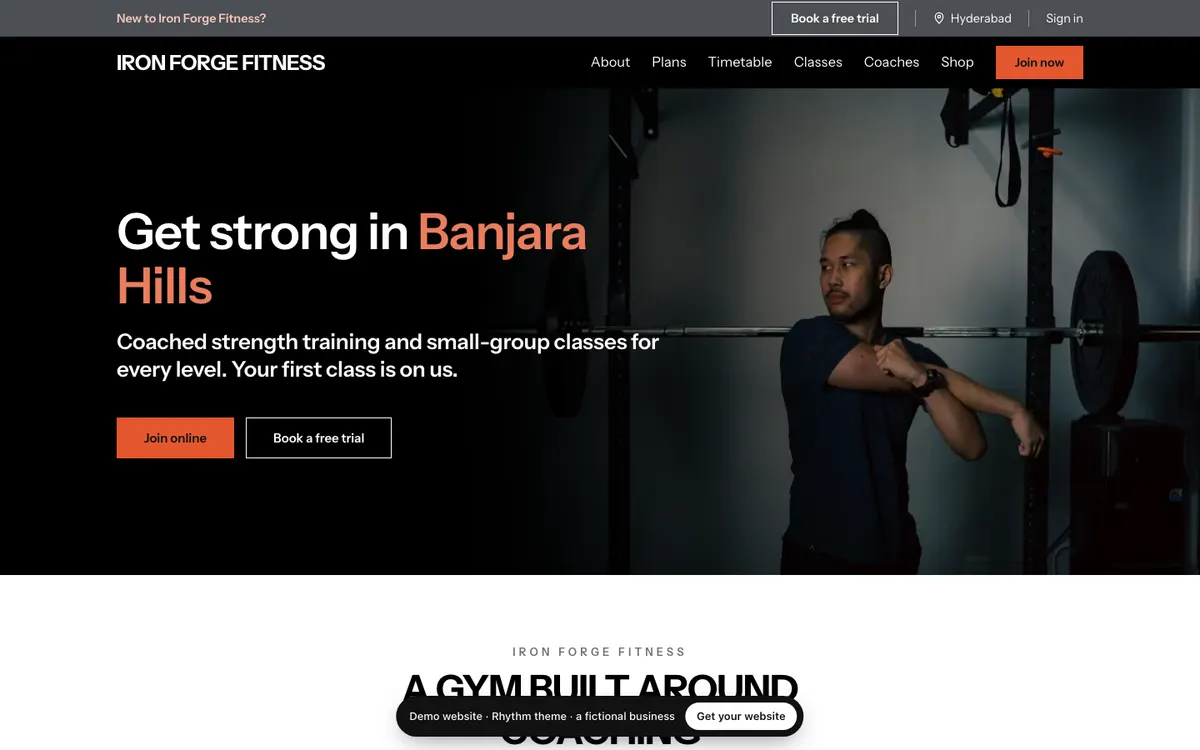
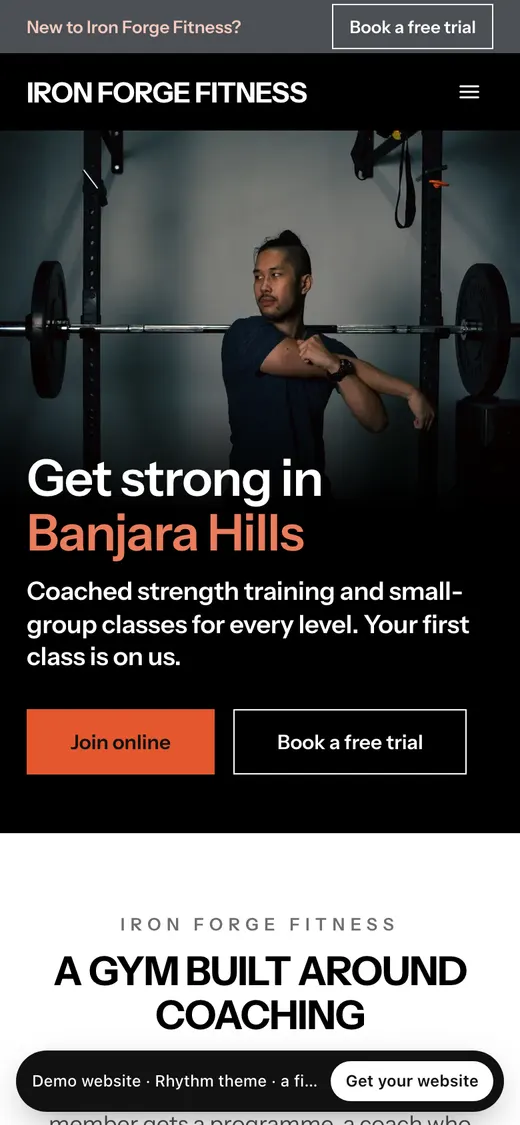
A black hero with your colour on the key words, white sections with thick rules, class cards to reserve.
Shown with Iron Forge Fitness, a fictional gym.
View live demo of the Rhythm theme (opens in a new tab)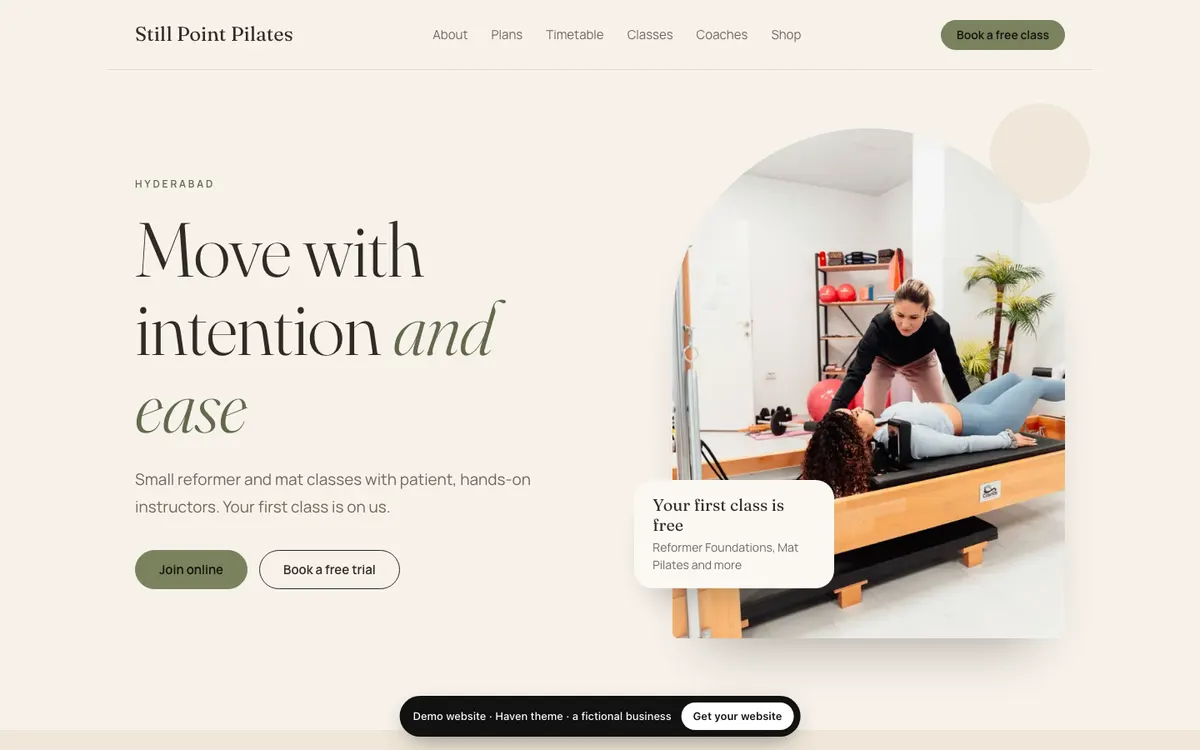
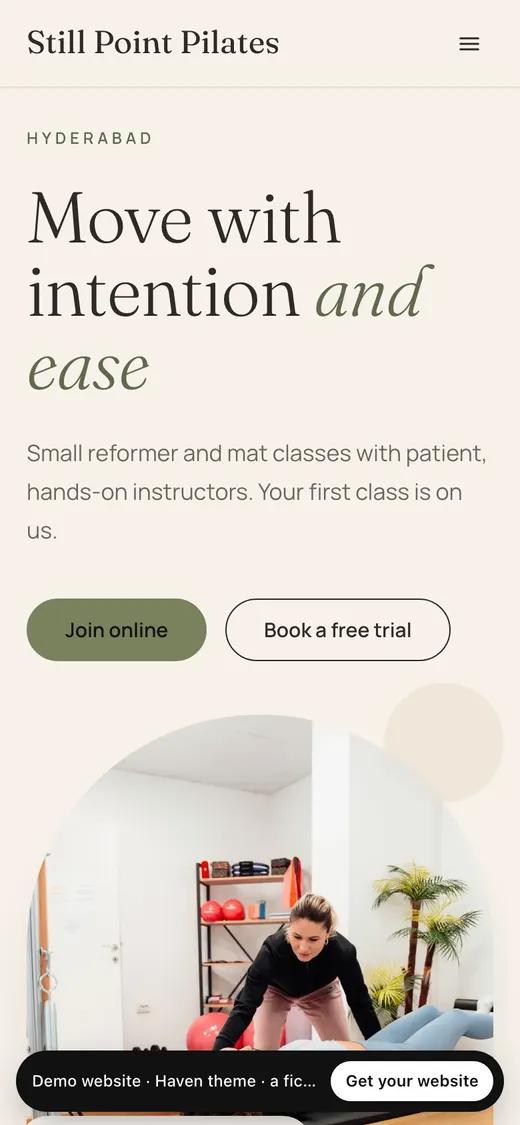
Warm ivory and sand, a soft serif and arched photos. Calm, for yoga and Pilates studios.
Shown with Still Point Pilates, a fictional Pilates studio.
View live demo of the Haven theme (opens in a new tab)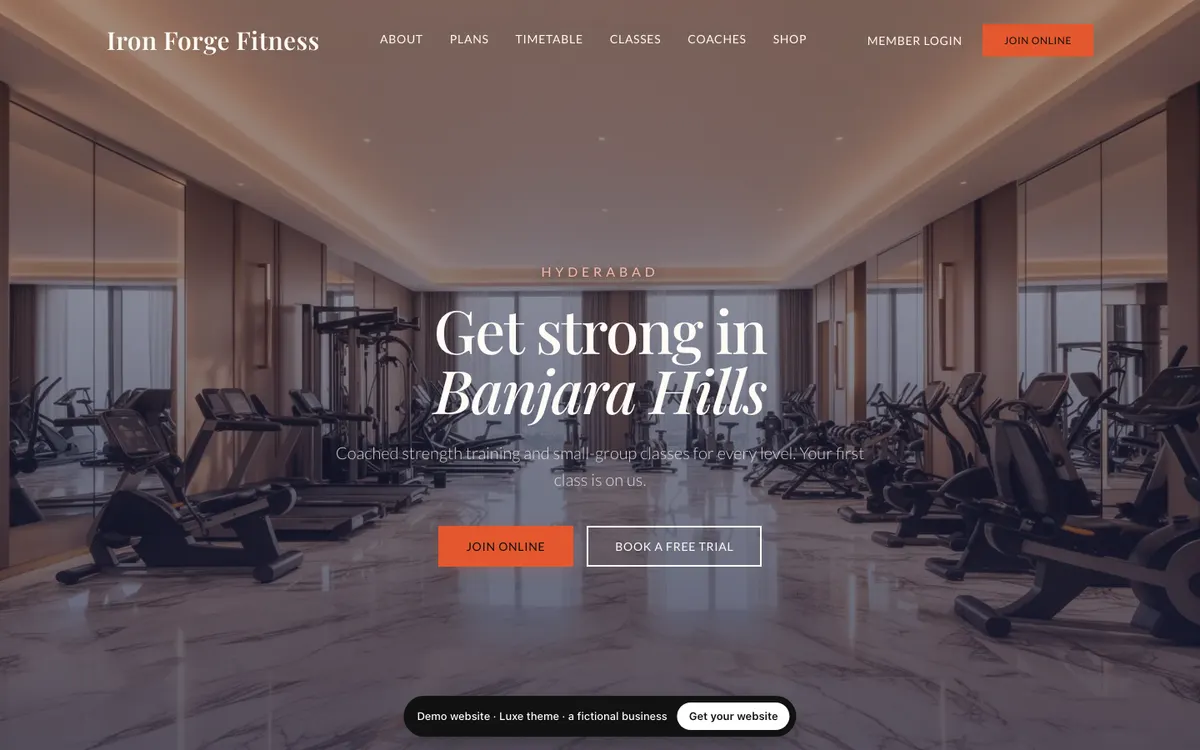
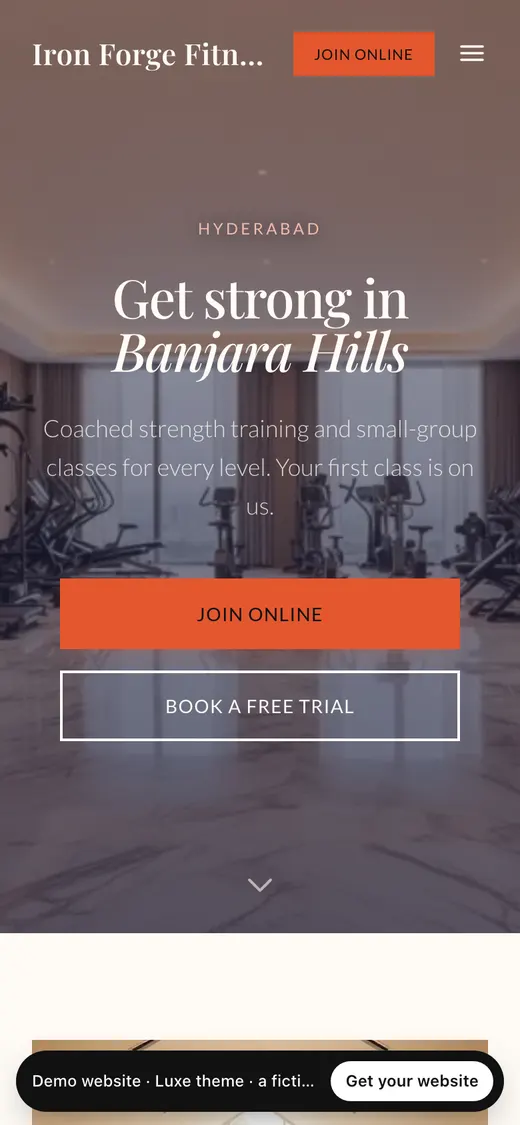
Cream and navy, Playfair headlines with an italic line, letter-spaced labels. Quietly premium.
Shown with Iron Forge Fitness, a fictional gym.
View live demo of the Luxe theme (opens in a new tab)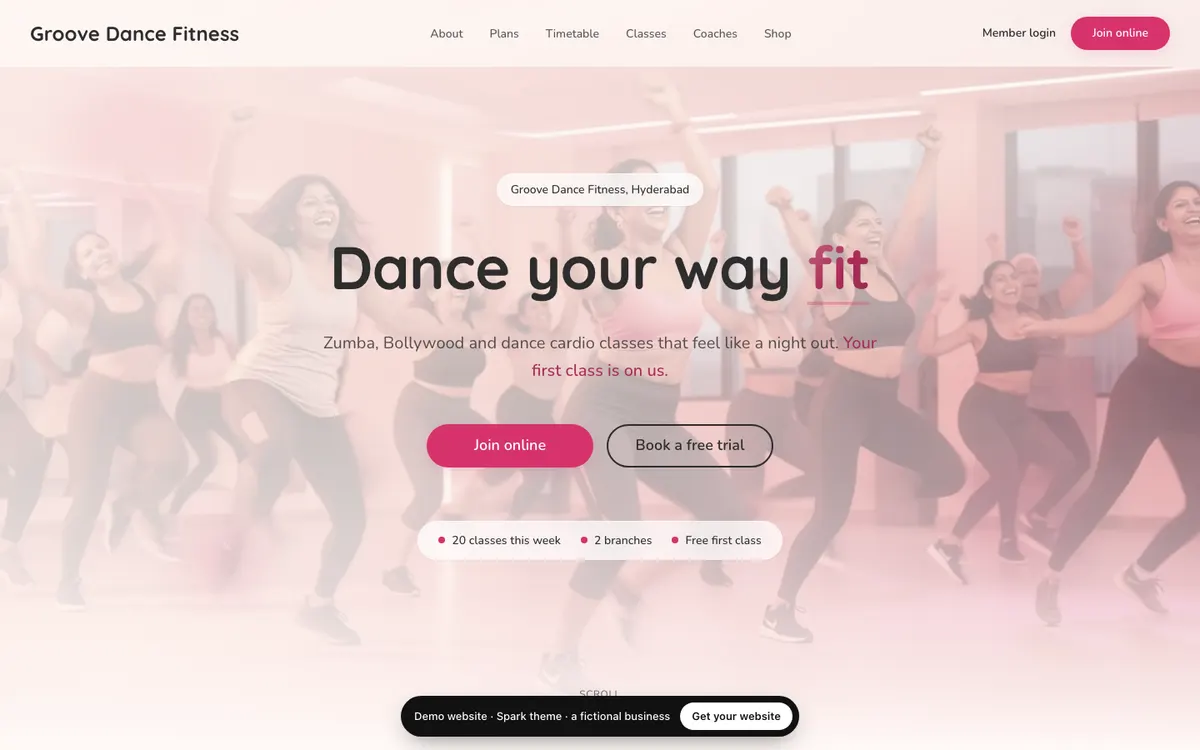
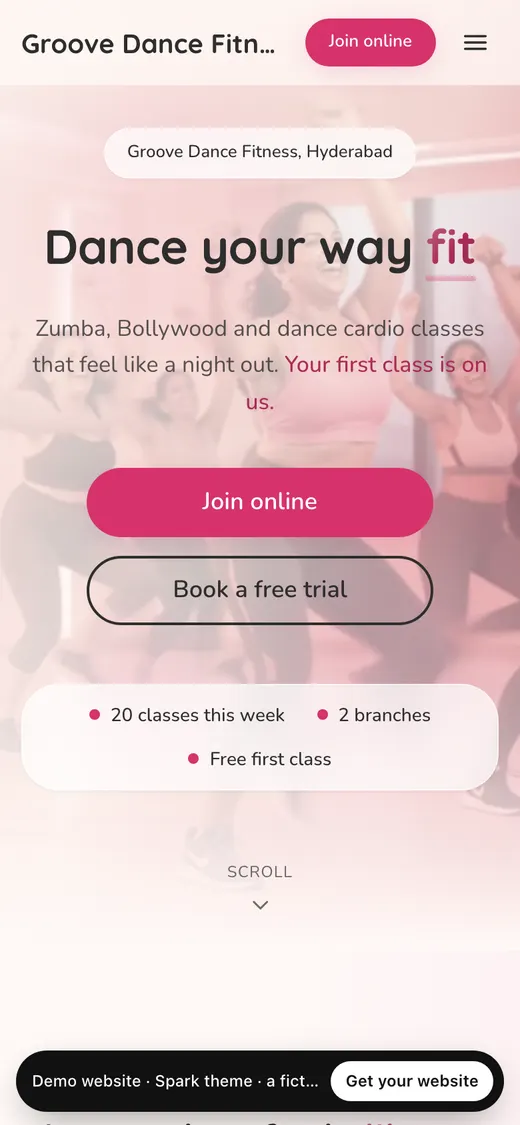
Soft and warm: cream page, rounded cards, gradient headlines and a gradient app band.
Shown with Groove Dance Fitness, a fictional dance fitness studio.
View live demo of the Spark theme (opens in a new tab)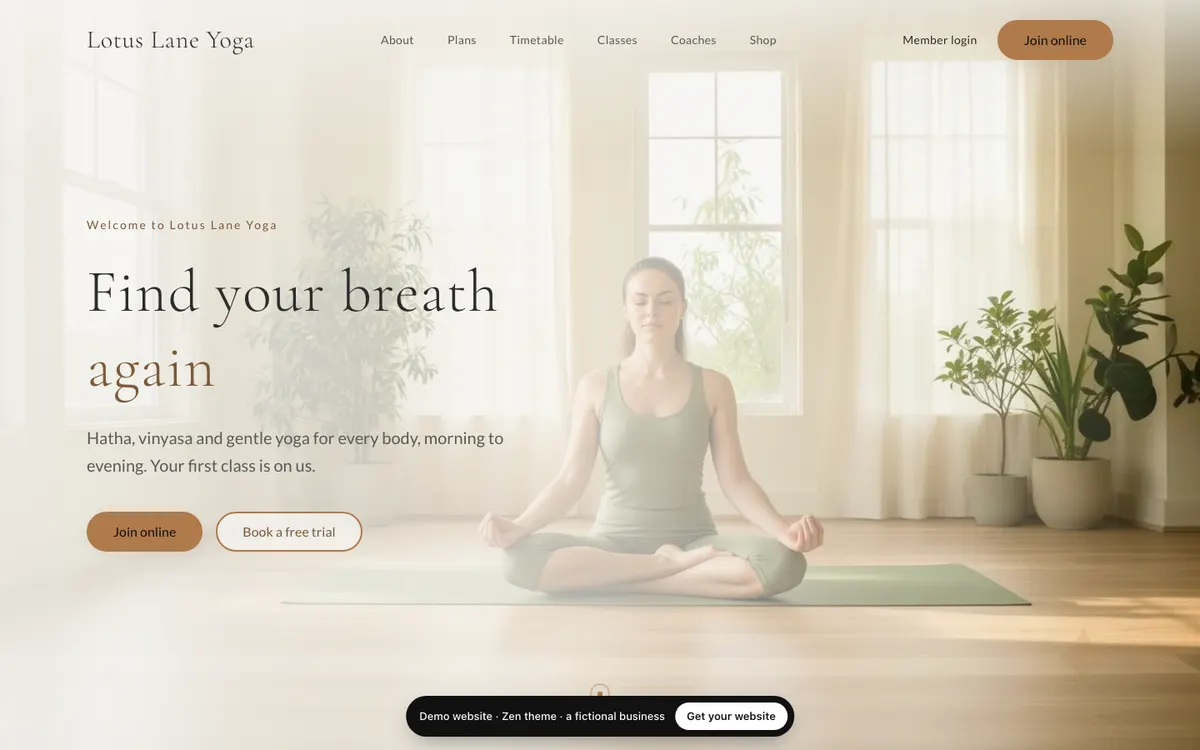
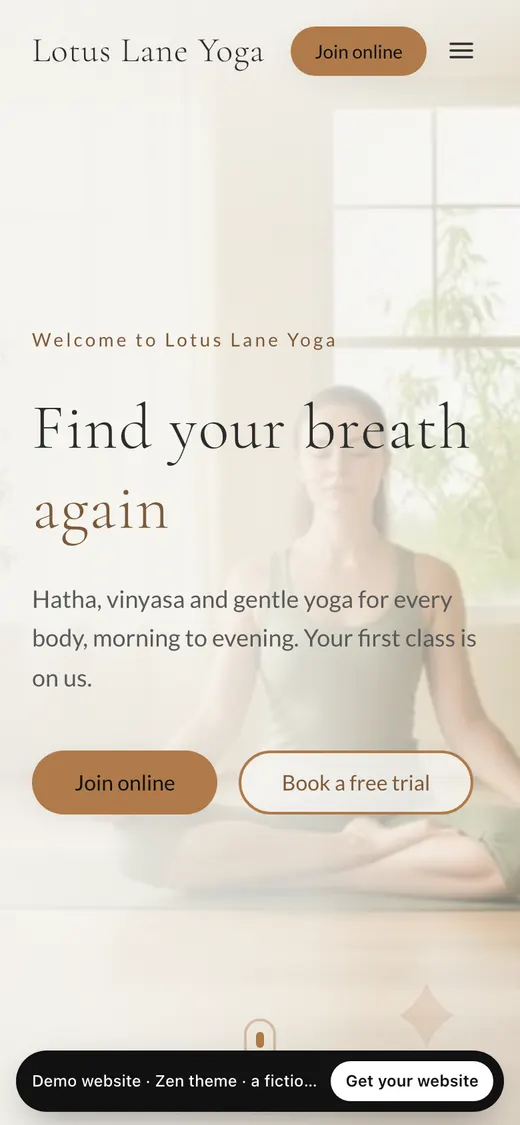
Warm cream and stone, light serif headings, soft cards and pill buttons. Calm and airy.
Shown with Lotus Lane Yoga, a fictional yoga studio.
View live demo of the Zen theme (opens in a new tab)The same sections in every theme, so switching changes the look and never the content. Turn any section off, reorder them, or add more from the editor.
A downloaded template is an empty design. A MyGymDesk theme arrives filled in: the AI writes the first draft from your account, your plans, timetable, trainers and branches stay live on it, and Join, Book and enquiry buttons lead into MyGymDesk. Hosting, your free address and SSL come with it.
How the website builder worksThe best gym websites, and what they share · The free trial and the price
Start the trial and the builder shows every theme with your own words, photos and plans before you choose.